

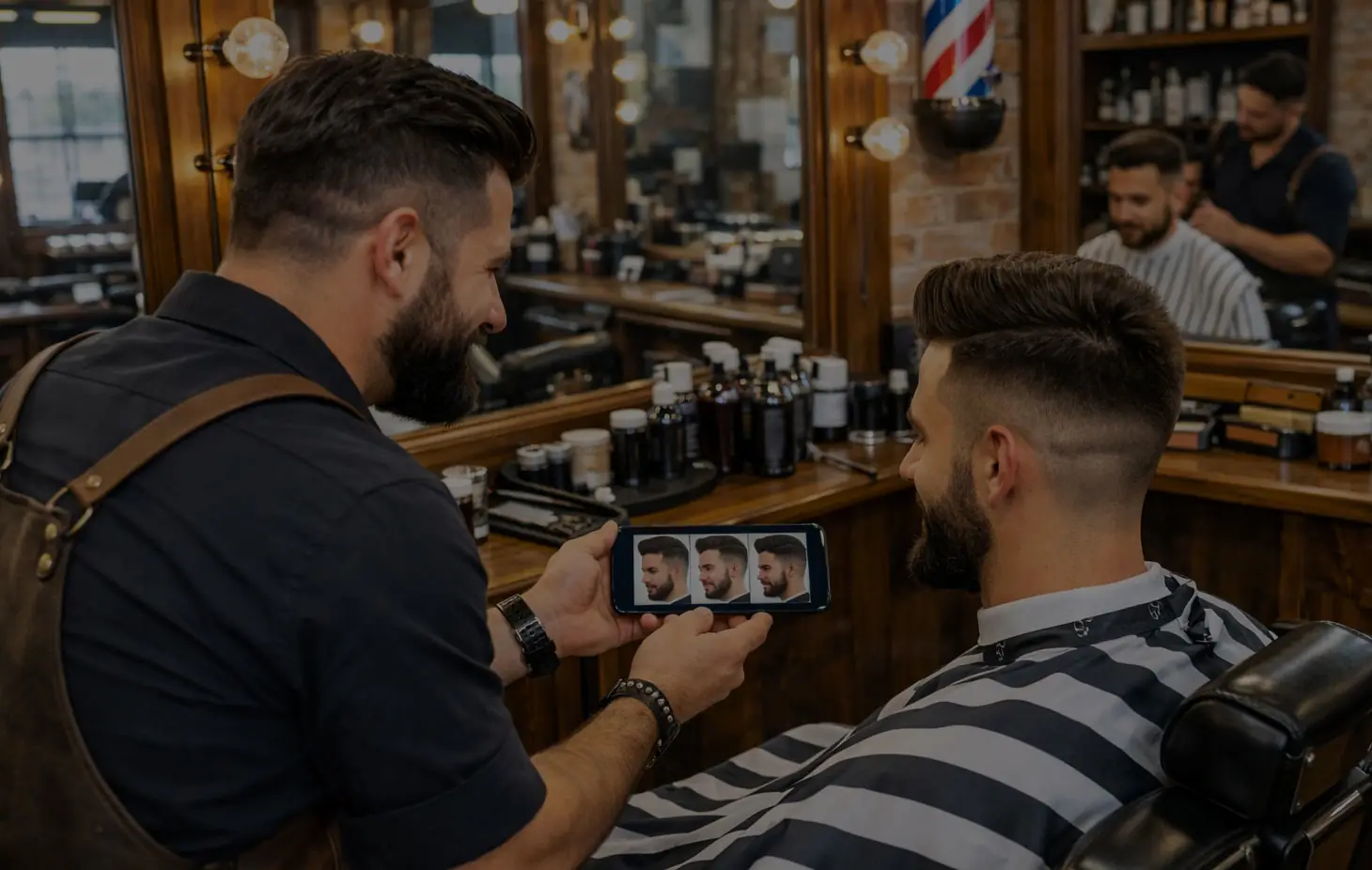
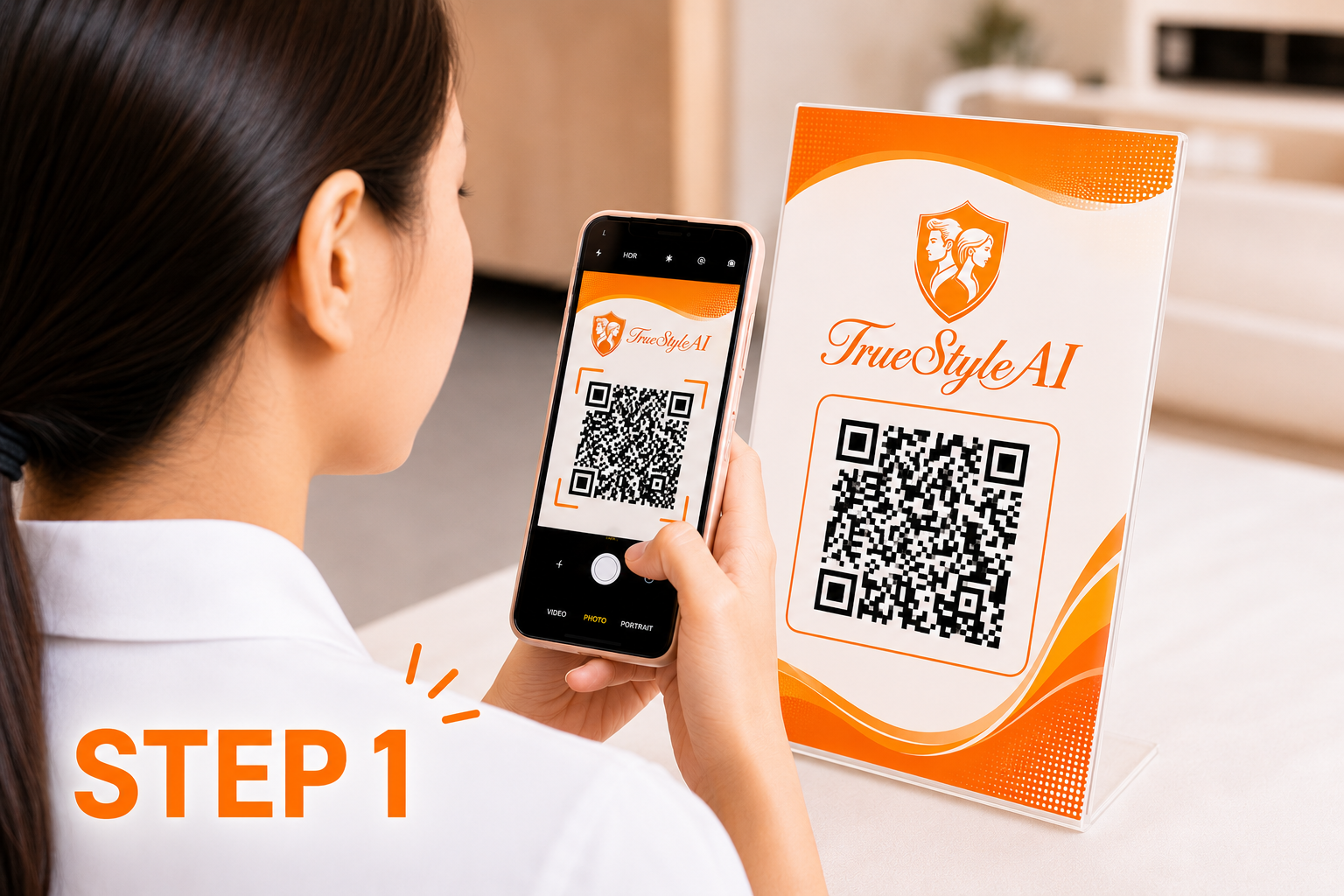
Customers already use QR codes for menus and payments. Putting one on your mirror or counter lets them check in, book or join the queue from their own phone — with no app to download.
Where to put your QR code
- On each station mirror, at eye level
- On the counter and the front window
- On your Instagram profile and Google Business listing as a booking link
- On printed cards for regulars
What customers should be able to do
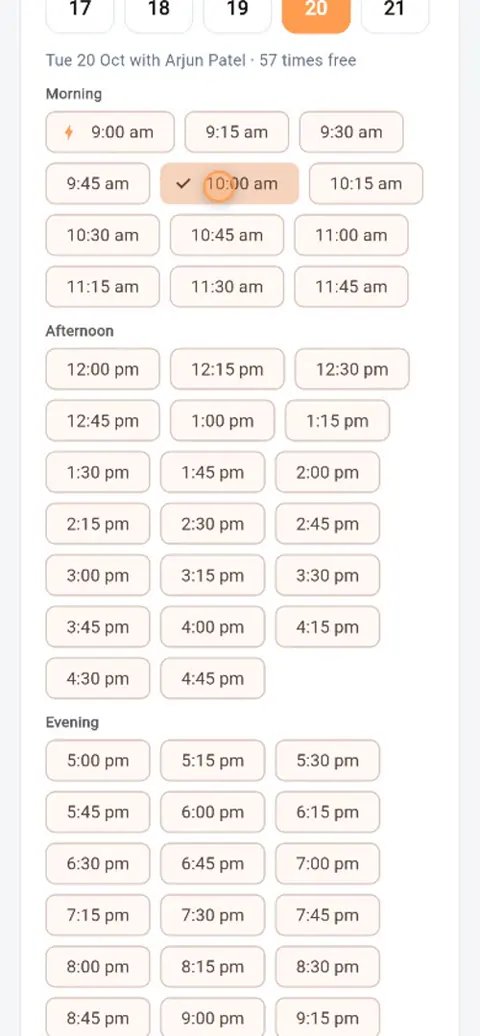
- Book in about a minute — services, stylist and time, with no account
- Join the queue and see their place, live
- Find a new look with AI and preview it on their own face
- Add products to pick up at the visit
Keep it safe
Public booking links attract the odd fake booking. Look for a human check, daily limits and email confirmation — TrueStyleAI includes all three, and you can switch quick booking on or off at any time.
Track what works
Give each place its own link — Google, Instagram, WhatsApp — so you can see which brings the most bookings. In TrueStyleAI that’s the Get Found page.
One response to “QR code booking for barbershops: a quick guide”
This post really awsome